UTM Builder
Build trackable campaign links in seconds. This free UTM builder (campaign URL builder) adds the utm_source, utm_medium, and utm_campaign parameters to any link, so Google Analytics can tell you exactly which ad, post, or email brought each visitor — instead of lumping them all into "direct".
💡 Everything happens in your browser — no link you build here is stored or sent anywhere. Keep your naming consistent across every campaign, or your Analytics reports will split the same source into several rows.
How the UTM builder works
Three required fields, and your link is ready to share.
Paste your page URL
The page you want people to land on — any page of your site.
Name the campaign
Where it's going (source), how (medium), and what you'll call it.
Copy & use it
Use the tagged link in the ad, post, or email instead of the plain one.
What UTM parameters mean, in plain English
A UTM tag is just extra text on the end of a link. Google Analytics reads it and files the visit correctly. utm_source is where the click came from (google, facebook, newsletter). utm_medium is the type of channel (cpc for paid ads, social, email, referral). utm_campaign is the name you give this specific push (diwali-offer-2026). Two optional ones round it out: utm_term for the keyword you bid on, and utm_content to tell two versions of the same ad apart.
Without them, a lot of traffic lands in Analytics as "direct" or gets bundled under a generic referral, and you cannot tell which advert actually earned the enquiry. With them, you can see that the Facebook ad brought forty visitors and one enquiry while the WhatsApp broadcast brought six visitors and three enquiries — and spend accordingly.

Getting UTM tracking right
Three habits save most of the pain. Keep everything lowercase, because Analytics treats Facebook and facebook as separate sources. Use hyphens instead of spaces. And write the campaign name so it still makes sense to you in six months — diwali-offer-2026, not test2. Never put UTM tags on internal links between your own pages: it restarts the session and corrupts your own reports.
Tagged links pair naturally with the rest of your marketing. Use them on the website link in your Google Business Profile, on the campaigns behind your local SEO push, and on links out of your business email newsletters. Check the landing page loads fast before you spend on ads with our website speed test, make sure its snippet reads well in our SERP preview tool, and if the campaign needs a page of its own, our one-page website design and development services can build it.
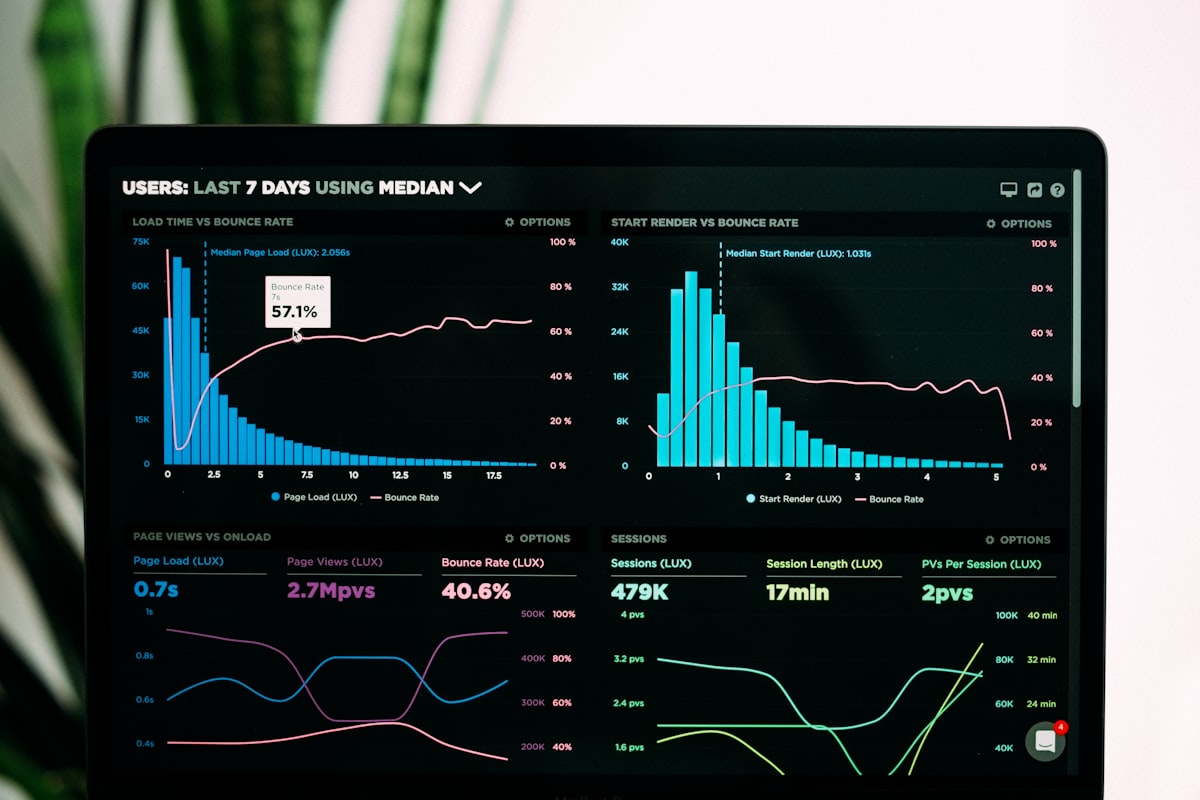
UTM builder — FAQs
Which UTM parameters are required?
Source, medium, and campaign. Term and content are optional, and campaign ID is only useful if you already use it in your ad platform.
Do UTM tags hurt SEO?
Not on external campaign links, which is what they are for. Avoid them on internal links between your own pages, and make sure your pages have a canonical tag so the tagged versions don't get indexed separately.
Do UTM links work with Google Analytics 4?
Yes. GA4 reads the same utm_ parameters and shows them under Traffic acquisition, with session source, medium, and campaign.
Can I shorten a UTM link?
Yes — a URL shortener keeps the parameters intact when it redirects. Just check the redirect actually passes the query string using our redirect checker.
Can you set up campaign tracking for my business?
Yes — analytics, conversion tracking, and campaign tagging are part of what we set up alongside local SEO and Google Business Profile setup.
Know which marketing actually brings customers
We set up tracking, landing pages, and local SEO so every rupee you spend is measurable.
Talk to Us →