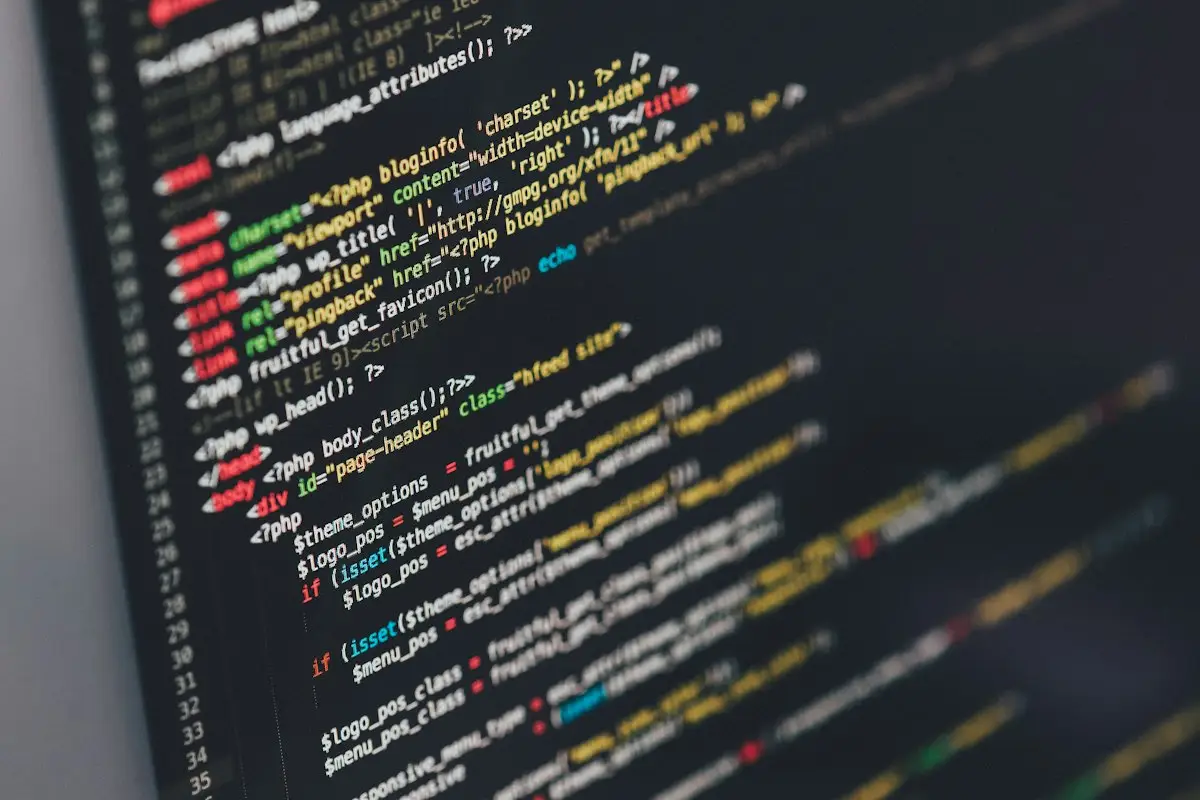
Moving a WordPress site to a newer PHP release is a two-minute job in a hosting panel and, on some sites, a two-week problem afterwards. The switch itself is trivial. What decides how it goes is the code sitting on top: an old custom theme, a plugin bought years ago from a marketplace, a snippet someone pasted into functions.php. This page is about the part a dropdown cannot do, which is finding and fixing the code that will not survive the move. It sits within our wider WordPress errors and fixes guide, alongside the other problems that tend to follow server changes.
If you only want to understand why hosts retire old versions and how to plan the change yourself, read our article on updating the PHP version WordPress runs on first. What follows assumes you either tried it and something broke, or you would rather not find out the hard way.
Why a PHP upgrade breaks some sites and not others
PHP keeps most old code working from one release to the next, but not all of it. Each major release removes features that were marked as outdated earlier, and tightens rules that used to be relaxed. Code written carefully and kept up to date sails through. Code written for an older release, and not touched since, meets the removals head on.
WordPress core itself is maintained to run on current PHP. Popular, actively developed plugins are generally kept up to date as well. The risk concentrates in three places:
- Custom themes and plugins written by a freelancer or agency for your site alone. Nobody else uses them, so nobody else has reported the problem.
- Premium plugins whose licence lapsed. The developer may have fixed compatibility long ago, but your copy cannot fetch the update.
- Code from developers who have moved on. Free plugins that stopped receiving updates fall further behind with every PHP release, which is why we often pair this work with a look at abandoned plugins on the site.
What “incompatible” looks like in practice
The messages fall into three grades, and they matter very differently.
Deprecation notices
These say “this still works, but will be removed in a future version”. They are a warning, not a failure. On a correctly configured live site they should be logged, not shown to visitors. If they are appearing at the top of your pages, that is a display setting problem as much as a code problem, and it is quick to stop while the real fixes are made. Our explainer on using debug mode without showing errors to visitors covers the settings involved.
Warnings
Something did not go as the code expected, but PHP carried on. Usually harmless to visitors, sometimes a sign of a feature quietly returning wrong results. A warning inside a payment or form plugin deserves attention even though the page loads.
Fatal errors
PHP stopped. Visitors get the WordPress critical-error notice, a 500 page or a completely blank screen. On older PHP the same code may have produced only a warning; newer releases are stricter and turn several of those situations into hard errors, for example when a function receives a value of the wrong type. Our critical error fixing page covers that screen in detail, and the 500 error repair page covers the server-error version.
A few common patterns behind those messages, for the technically curious: functions that were removed outright (the old mysql_ database functions went in PHP 7.0; each() and create_function() went in PHP 8.0), stricter handling of passing null to built-in functions, and the deprecation of creating object properties on the fly in PHP 8.2. Each one has a well-known, correct replacement. The work is finding every place it occurs.
What you can check before calling anyone
None of this needs you to edit code, and all of it is reversible.
- Confirm a restorable backup exists. Files and database, stored somewhere other than the same server, and recent enough that you would be happy going back to it.
- Find your current version. The Site Health screen (under Tools in the dashboard) has an Info tab; its Server section lists the PHP version the site is running.
- Check when your version stops being supported. The PHP project publishes the dates on its supported versions page. That tells you whether you have months to plan or should start now.
- List what is custom. Ask whoever built the site whether the theme or any plugin was written specifically for you. Those are the items to worry about first.
- Check licence status on premium plugins and themes. An expired licence often means you are several versions behind without realising it.
- If the site is already broken, switch back. Most hosting panels let you choose the PHP version per site. Returning to the previous version is the fastest way to get trading again and takes the time pressure off the diagnosis.
How we run a PHP upgrade
Audit first, then change
We start by reading what is on the site: the theme, every plugin, any must-use plugins, and custom snippets. Automated scanners such as the PHPCompatibility ruleset for PHP_CodeSniffer are useful for a first sweep through custom code, but they flag false alarms and cannot see code paths that only run in certain conditions. We treat their output as a list of places to look, not as a verdict.
Bring everything current on the old PHP
Before PHP changes, plugins and themes are updated on the version the site already runs. Doing both at once makes any failure impossible to attribute. If an update itself causes trouble, that is dealt with separately, with the help of our plugin conflict service if two components start clashing.
Test on a staging copy running the new version
The site is copied to a staging environment, and only the copy moves to the target PHP release. Error logging is switched on so nothing is hidden; if you want to see what those entries look like, our post on finding and reading the WordPress error log walks through one. Then we work through the site the way a customer and an administrator would: pages, forms, search, login, checkout and order emails on a store, booking flows, member areas, the admin screens you actually use, and scheduled tasks.
Fix the code, or recommend a replacement
For each problem we find, there are usually three choices. If an update exists, the fix is to install it. If the code is custom or abandoned and the issue is contained, we correct it, keeping changes in a child theme or a clearly named plugin so they are documented and survive later updates. If a plugin needs so much repair that it would effectively become ours to maintain, we say so and suggest a maintained alternative instead. You decide which way to go.
Encoded plugins are a special case. Some commercial plugins are shipped encoded (ionCube is the common one) and depend on a loader that must support the PHP version in use. If the vendor has not produced a compatible build, nobody else can patch it, and that is something we tell you early rather than discover late.
Switch live at a quiet time
Once the copy runs clean, the live site is switched, caches are cleared, and the same checklist is repeated. The previous PHP version stays available in the panel as a fallback until we are both satisfied. For owners in the USA or UK: our working day runs on Indian Standard Time, so this step can often be scheduled for your quiet overnight hours.
When an upgrade becomes a bigger decision
Occasionally the audit shows a theme so tied to old PHP that fixing it costs more effort than it is worth, or a site built on a plugin whose vendor no longer exists. In that case you get an honest description of the options: keep running on an older, still-supported version for a short, defined period while a replacement is planned, rebuild the affected part, or move to a maintained alternative. Staying on an unsupported PHP version indefinitely is not one of the options we will recommend, because it leaves the server running software that no longer receives security fixes.
After the move
You receive a short written note: which version the site moved from and to, what was updated, what code was changed and where, and anything we would watch over the following weeks. Keeping that note means the next upgrade starts from a known position instead of from scratch.
PHP work is one of the jobs covered by our WordPress bug fixing service. Whether your host has given you a deadline or the switch has already happened and something is broken, message us on WhatsApp or through the contact form with your current version, the target version, and any error text you have seen.