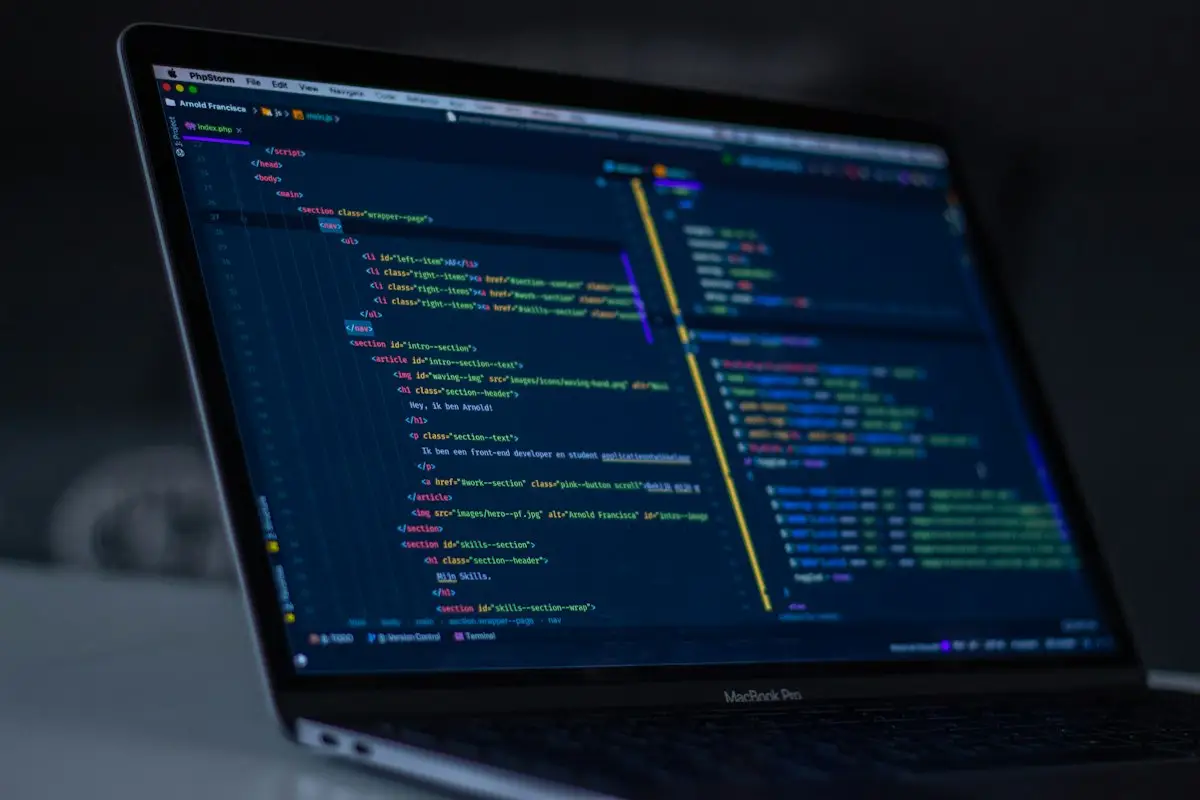
A card skimmer is a small piece of code that copies what customers type into your checkout and sends it to someone else. The order still goes through. The payment still succeeds. Nothing looks broken. The first sign is often a customer saying their card was misused shortly after they bought from you, or a message from your payment provider asking questions you cannot answer.
If that is where you are, this page explains what we do about it and what you should do now. It is one part of our hacked website repair and emergency help, and it is the part where speed and care matter most, because every checkout that loads the skimmer exposes another customer.
How a checkout skimmer actually works
Almost all modern skimmers on WordPress and WooCommerce sites are written in JavaScript and run in the customer’s browser. Security researchers often group them under the name Magecart, after the early attacks on Magento shops, but the same idea is used against every kind of store.
The script waits until the visitor reaches the checkout. Then it does one of two things. Some skimmers read the card number, expiry date and security code as the customer types, and quietly send a copy to a server the attacker controls. Others draw a fake payment form over or in place of the real one, collect the details, show an error, and then let the real form appear so the customer tries again. That second pattern is why a customer may mention having to enter their card twice.
The stolen data usually leaves the browser disguised as something ordinary, such as a request for an image or a call to a domain chosen to look like an analytics or CDN service.
“But my payment gateway handles the card details”
Many stores use a gateway that shows card fields inside a frame from the payment provider, or sends customers to the provider’s own page. That design genuinely reduces risk, because your site never receives the card number.
It does not make a skimmer impossible. A script running on your checkout page can still put a fake form in front of the real frame, or change the link that sends customers to the payment page so it points somewhere else first. The attacker does not need to break the gateway; they only need to control what the customer sees before reaching it. When we investigate, we check the payment flow exactly as a customer experiences it.
What owners tend to notice
- Several customers reporting fraud on cards they used in your shop, within a short period.
- A payment provider, bank or card company contacting you about a possible common point of purchase.
- The checkout layout changing slightly, or a card form appearing on a page where it never used to.
- Customers saying the payment failed first time and worked on the second try.
- A security scanner or browser extension warning about a script loaded on the checkout.
- An unfamiliar domain in your browser’s developer tools when the checkout page loads.
For a broader list of hack symptoms that are not payment-related, our article on the signs that a website has been hacked goes through them.
Where skimmers hide on a WordPress store
The code is usually small, obfuscated and placed where routine checks do not look. On WordPress and WooCommerce sites we look in all of these places:
- The database. Theme option fields, “custom scripts” or header and footer settings, widget content and plugin settings that print raw code onto pages.
- Theme and plugin files. A few lines appended to a legitimate JavaScript file, or to a PHP template that only runs on the checkout.
- Fake plugins. A plugin with a believable name that exists only to inject the script, sometimes hidden from the plugin list.
- Third-party tags. A tag manager container, chat widget or tracking script that someone gained access to, or a script loaded from a domain whose owner has changed.
Many skimmers only load on the checkout URL, only for visitors who are not logged in, or only once per visitor. Looking at the home page as an administrator shows nothing. We test the checkout as a fresh, logged-out customer.
Our approach to skimmer removal
Stop the exposure
The first goal is that no more customers enter card details into a compromised page. Depending on your store, that might mean pausing card payments, switching to a method that sends customers straight to the provider’s own page, or putting the checkout into maintenance while we work. We agree the option with you before doing it.
Preserve before removing
We take a full copy of the files and database first, and we keep a copy of the skimmer code itself, including the address it was sending data to. Your payment provider, or anyone they appoint to investigate, may want to see it. Deleting it in a hurry destroys that evidence.
Remove the skimmer and the way in
We remove every instance of the script, replace affected core, plugin and theme files with clean copies, and then look for the access the attacker used to place it. A skimmer is rarely the only thing left behind; an administrator account, an uploaded file or a modified plugin usually comes with it. This overlaps heavily with our backdoor removal work, because removing the skimmer without the backdoor simply invites it back.
Establish a timeline
Your provider will want to know roughly when the skimmer appeared. We use file dates, database records and server logs where the host keeps them to estimate a window. When an owner needs a fuller account of how the attack happened, that is the work described on our website hack investigation page.
PCI DSS, in general terms
PCI DSS is the Payment Card Industry Data Security Standard. It is maintained by the PCI Security Standards Council, a body set up by the major card brands, and it applies to businesses that accept, process, store or transmit card data. Small merchants usually show compliance through a self-assessment, and which questionnaire applies depends on how your checkout collects card details.
Two points matter most after a skimmer. First, using a hosted payment page or embedded payment fields reduces how much of the standard applies to your site, but it does not remove your responsibility for the page that sends customers there. The current version of the standard includes requirements about managing and monitoring the scripts that run on payment pages, which is exactly where skimmers live. Second, after a suspected card compromise, your payment provider or acquiring bank decides what happens next. Card brand rules can require a forensic investigation by an approved investigator.
We are not a PCI forensic investigator and we do not certify compliance. What we do is clean the site, preserve what we found and give you a clear written account to share with your provider and with anyone they appoint. This is general information, not legal or compliance advice.
What you should do right now
- Contact your payment provider through their official dashboard or phone number, tell them what you suspect, and follow their instructions.
- Do not delete the site, the suspicious code or the server logs. Evidence helps everyone, including you.
- Stop new card payments on the site, or switch to the provider’s hosted payment page if you can do so safely.
- Change your hosting, WordPress and payment dashboard passwords from a device you trust, and turn on two-step login where it is offered.
- Write down when you first heard of a problem and from whom.
Whether you must notify customers, and how, depends on where you and they are. Our post on who to tell after a website breach gives general information to start from.
When the whole store needs attention
A skimmer is often the most serious part of a wider store compromise. Once the checkout is safe, the rest of the shop still needs the same care: protecting orders, replacing gateway keys and checking staff accounts. That work is laid out on our hacked WooCommerce store repair page, and the general cleanup on our WordPress malware removal service page.
If you think your checkout has been skimmed, send us a WhatsApp message that starts with HACKED, with your store address and what you or your customers have seen. We treat these ahead of routine work. We will look, be honest about what we see and when we can begin, take a backup before changing anything and keep you updated on WhatsApp throughout.